

Before you begin
Any team member can view, create, edit or remove pricing groups — there’s no supplier-administrator-only restriction on pricing.View your pricing groups
Go to Pricing. The list shows each group’s name, and how many products and customers are assigned to it. You can search by name and sort by name, product count, or customer count. Open a group to see its Products and Customers tabs — the Customers tab lists every customer currently assigned to it, which is worth checking before you delete a group (see the warning below).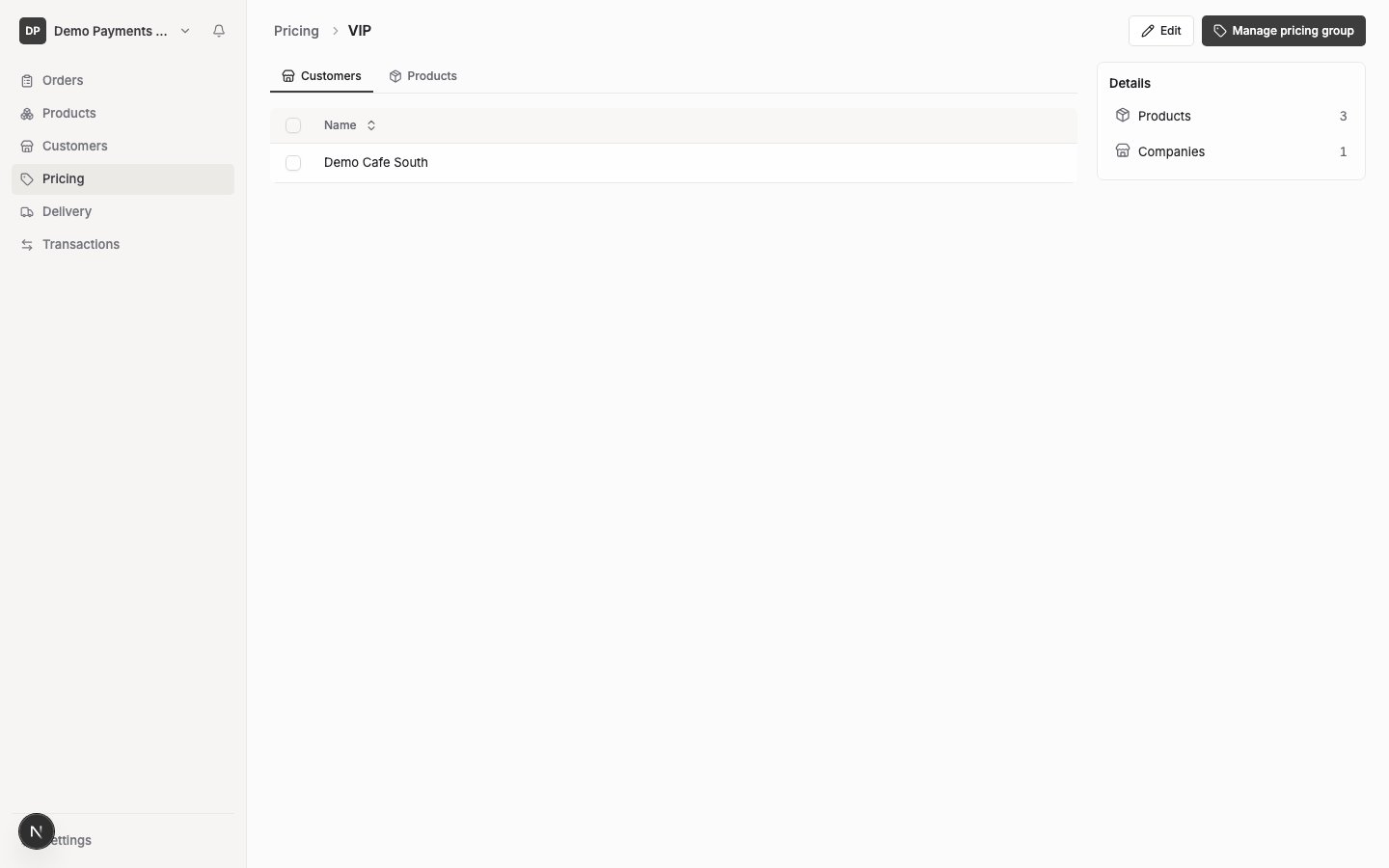
Create a pricing group
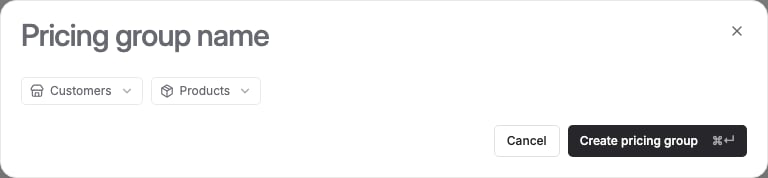
- Select New pricing group.
- Enter a name — this is the only required field. Names must be unique among your active pricing groups.
- Optionally, add products with prices and assign customers in the same form — see Add products and prices to a pricing group and Assign pricing to customers.
- Select Save pricing group.
Rename a pricing group
Open the group and change its name in the same form used to create one.Remove a pricing group
Open the group and select Delete. You’ll see a confirmation dialog — its exact wording is “This permanently deletes [group name]. Products assigned to it will no longer use its pricing.”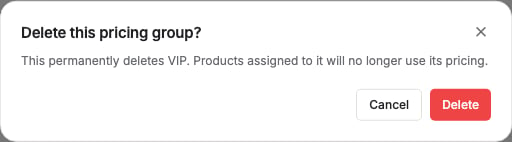
Your default pricing group
One of your pricing groups acts as your default — customers assigned to it automatically get every Available product at its base price, without needing to be added to the group individually. FikaTrade doesn’t label a group “Default” anywhere in the interface; there’s no visible badge distinguishing it from any other group.We haven’t been able to confirm exactly how a new supplier’s default pricing group is first set up, or whether one is created automatically — if you can’t tell which of your groups is the default one, or need one set up, contact FikaTrade.