

How a customer relates to your business
Your business and each of your customers are both companies in FikaTrade — the difference is the relationship between them. When you add a customer, FikaTrade links your company to theirs, and that link carries the commercial terms specific to that relationship, such as their pricing group and delivery fee. The same customer business can, in principle, buy from more than one supplier — but the customer record you see and manage belongs to your workspace. You don’t see or affect how other suppliers manage their relationship with that business.What’s held against a customer
For each customer, FikaTrade holds:- Business details (name, billing address, delivery address, delivery instructions, postcode)
- Their assigned pricing group and delivery fee, if you’ve set one
- Whether the customer is active or inactive in your workspace
- Whether payment collection is enabled for this customer
- The people who have login access to the customer’s account
Do customers need login access to exist?
No. Adding a customer creates their business record in your workspace — it does not create a login for anyone. Giving people at that business access to order through FikaTrade is a separate step. See Manage customer contacts and access.A conceptual example
Find a customer
Go to Customers in your supplier workspace to see your customer list. The list shows each customer’s name, active status, assigned pricing group and delivery fee, and whether payments are enabled.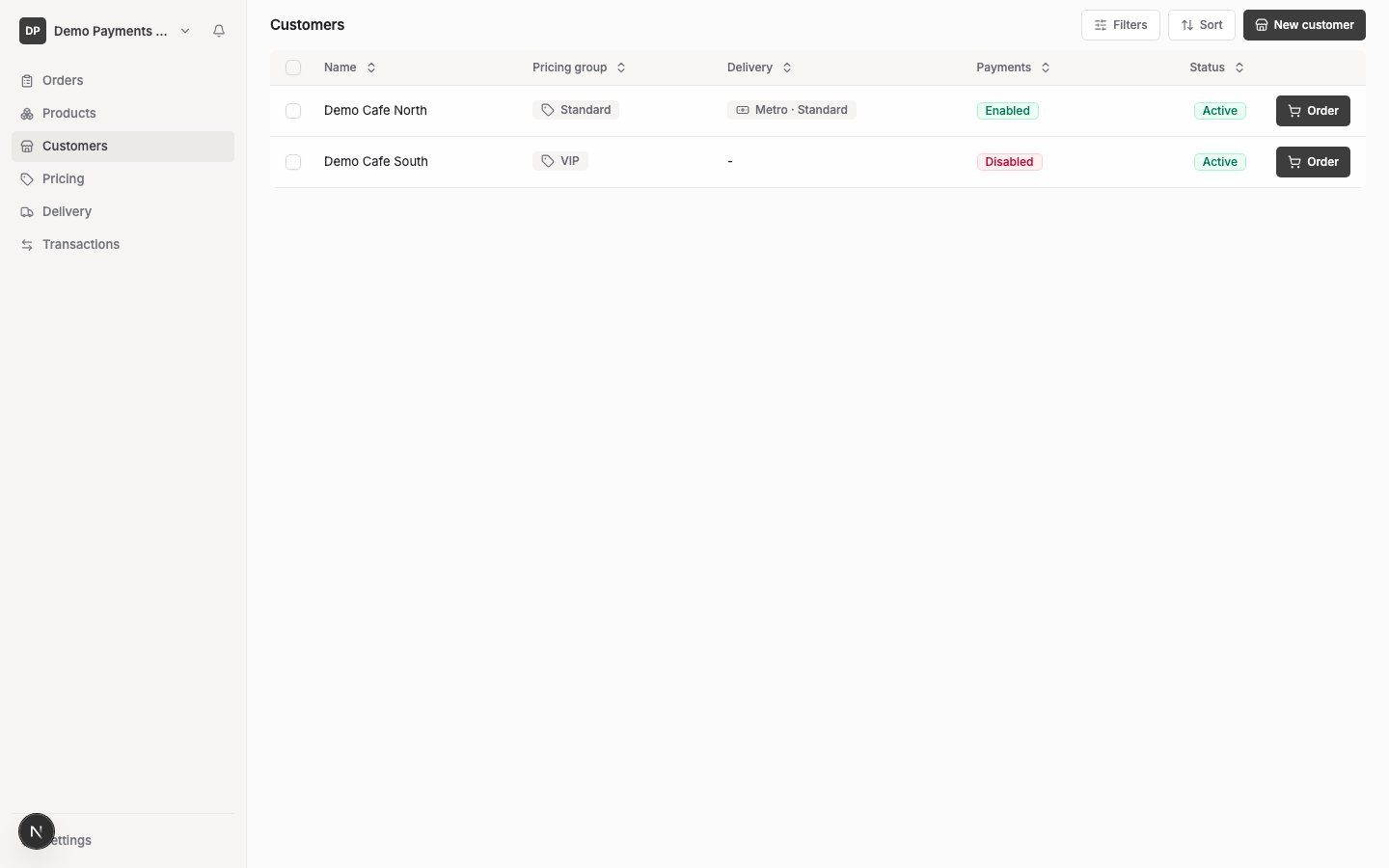
- Search by customer name
- Filter by pricing group or delivery fee
- Sort by any column shown