

Corrected 2026-08-18: the order list has no payment-method column or filter — that was inaccurate. Verified against the live column set below.
Before you begin
Any team member can view orders — there’s no role restriction on viewing.The order list
Each row shows the order ID, status, total, customer, delivery date, delivery run, and when it was created.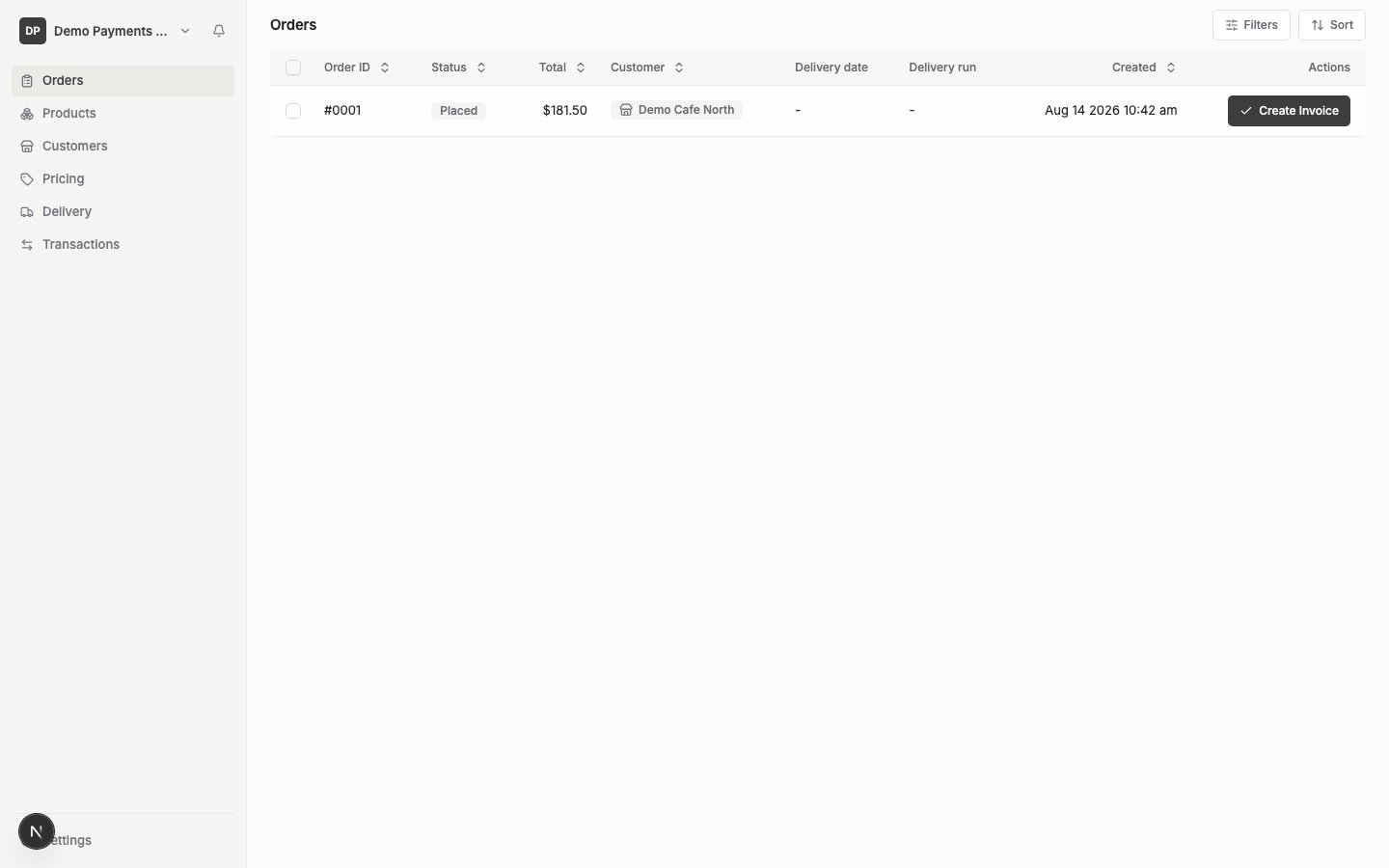
- Search by order ID or customer name
- Filter by status (Placed, Accepted, Paid, Payment failed, Cancelled, Denied) or customer
- Sort by any column shown
- Select multiple orders to bulk-delete them