

The tokenised card-entry screen itself (after selecting Start secure card setup) isn’t shown below — it’s hosted directly by FikaTrade’s payment provider (Monoova) and this documentation environment doesn’t hold live provider sandbox credentials to open it safely.
Before you begin
A card can only be added by a member of your team, on the customer’s behalf — a customer can’t add their own card from their own login. You’ll need the customer’s card details at hand (for example, over the phone or with the customer present).Steps
- Go to the customer’s detail page (Customers, then select the customer), select New payment method, and stay on the default Card payment method type.
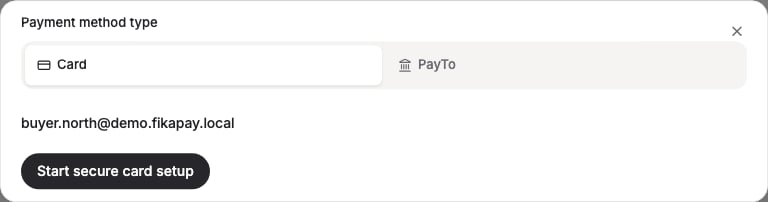
- Enter the customer’s card details in the secure card form. FikaTrade doesn’t see or store the full card number or CVV — these are handled directly by FikaTrade’s payment provider and only a token, the card type, last 4 digits and expiry are saved.
- Save the card. It’s now available to use for that customer’s invoices.