

Pricing in FikaTrade is entirely pricing-group based. There’s no separate concept of a per-customer price override — every price a customer sees comes from the pricing group they’re assigned to.

The pieces

  • Base price — a standing price set on the product itself.
  • Pricing group — a named set of products and prices you create, that you assign customers to.
  • Customer assignment — each customer is assigned to one of your pricing groups.
A product’s base price and a pricing group’s per-product prices work together — see How FikaTrade chooses a price for exactly how.

Pricing groups control access, not just price

Assigning a customer to a pricing group doesn’t just set their prices — for any group other than your default one, it also determines which products they can order at all. A product not added to a customer’s pricing group is invisible to them, regardless of whether it has a price. See Product availability and missing prices.

Where pricing is managed

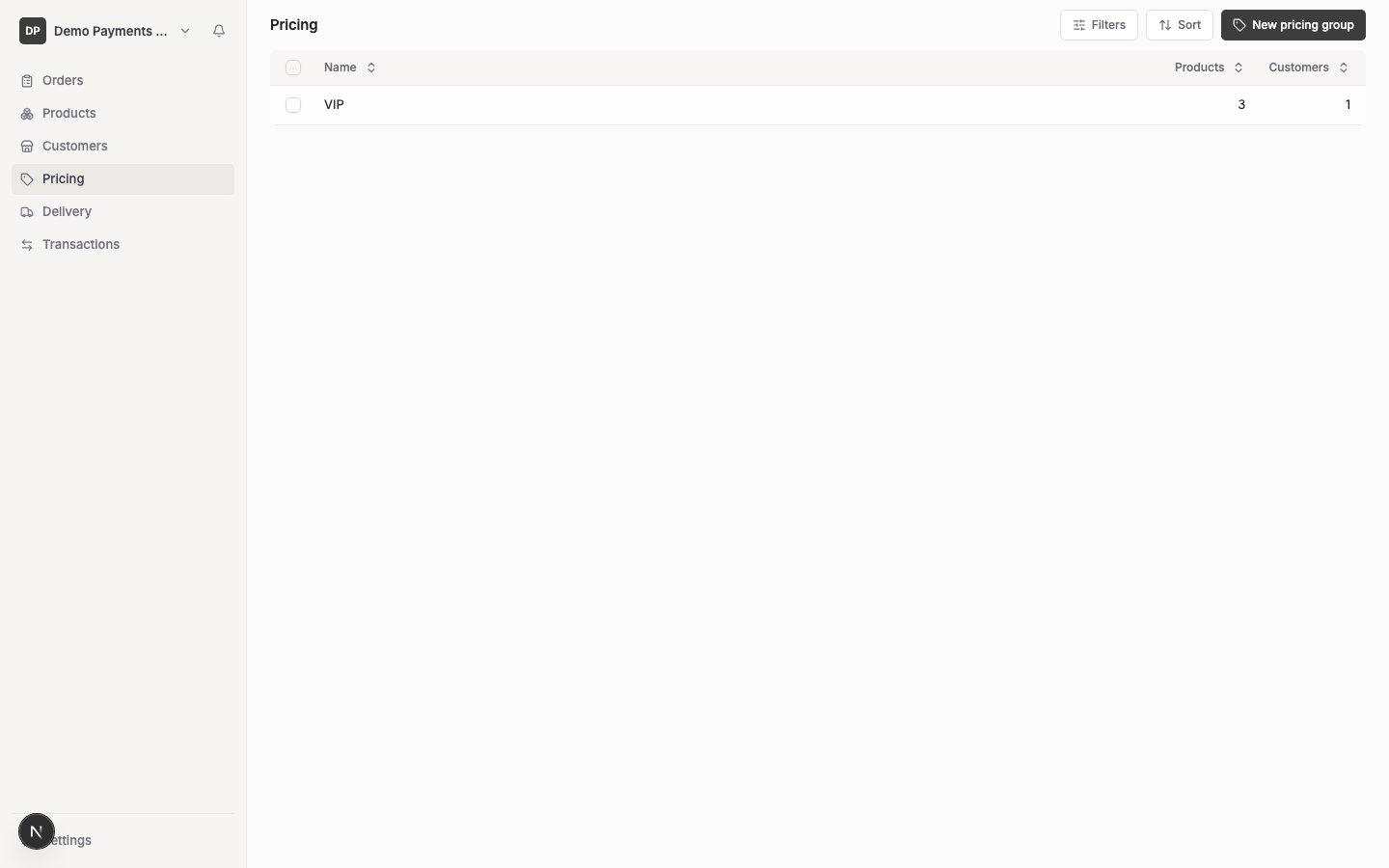
Go to Pricing in your supplier workspace to create and manage pricing groups. You assign a customer to one from their own record — see Manage customer details.
GST

Prices you enter — both a product’s base price and a pricing group’s per-product price — are exclusive of GST, consistent with product pricing elsewhere in FikaTrade.

When changes take effect

Pricing changes apply immediately. A customer’s cart shows updated prices the next time they view it — prices aren’t locked in until an order is actually placed. See Update and verify pricing for what happens to carts, orders and invoices when you change a price.

A conceptual example

Names shown are for demonstration only.

What’s not supported

There’s no way to set a different price for one specific customer outside a pricing group — if you need unique pricing for a single customer, create a pricing group with just that customer in it.