Before you begin
Any team member can edit a pricing group’s products and prices.Add products
Select products from a picker, grouped by category — you can add a whole category at once, or select products individually.Set a price
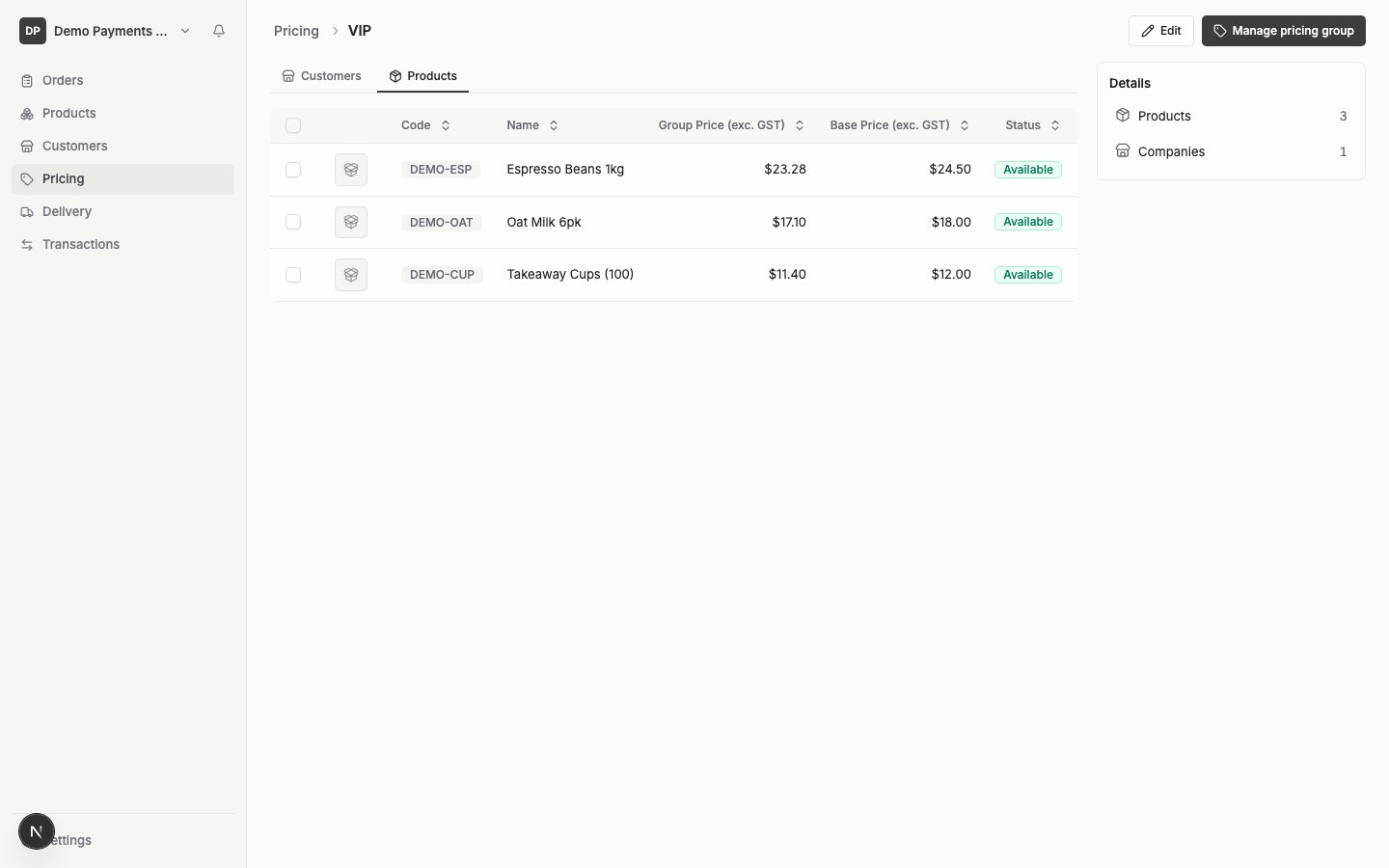
Each product you’ve added to the group appears in a table with a price field. Enter a price, or leave it blank to inherit the product’s base price. There’s also an Availability setting per product (Available/Unavailable) — an unavailable row hides that product from customers on this group even though it’s still listed here. Prices must be zero or greater — a negative price is rejected. There’s no limit on decimal places enforced at entry, but FikaTrade stores prices to two decimal places, so anything beyond that is rounded.