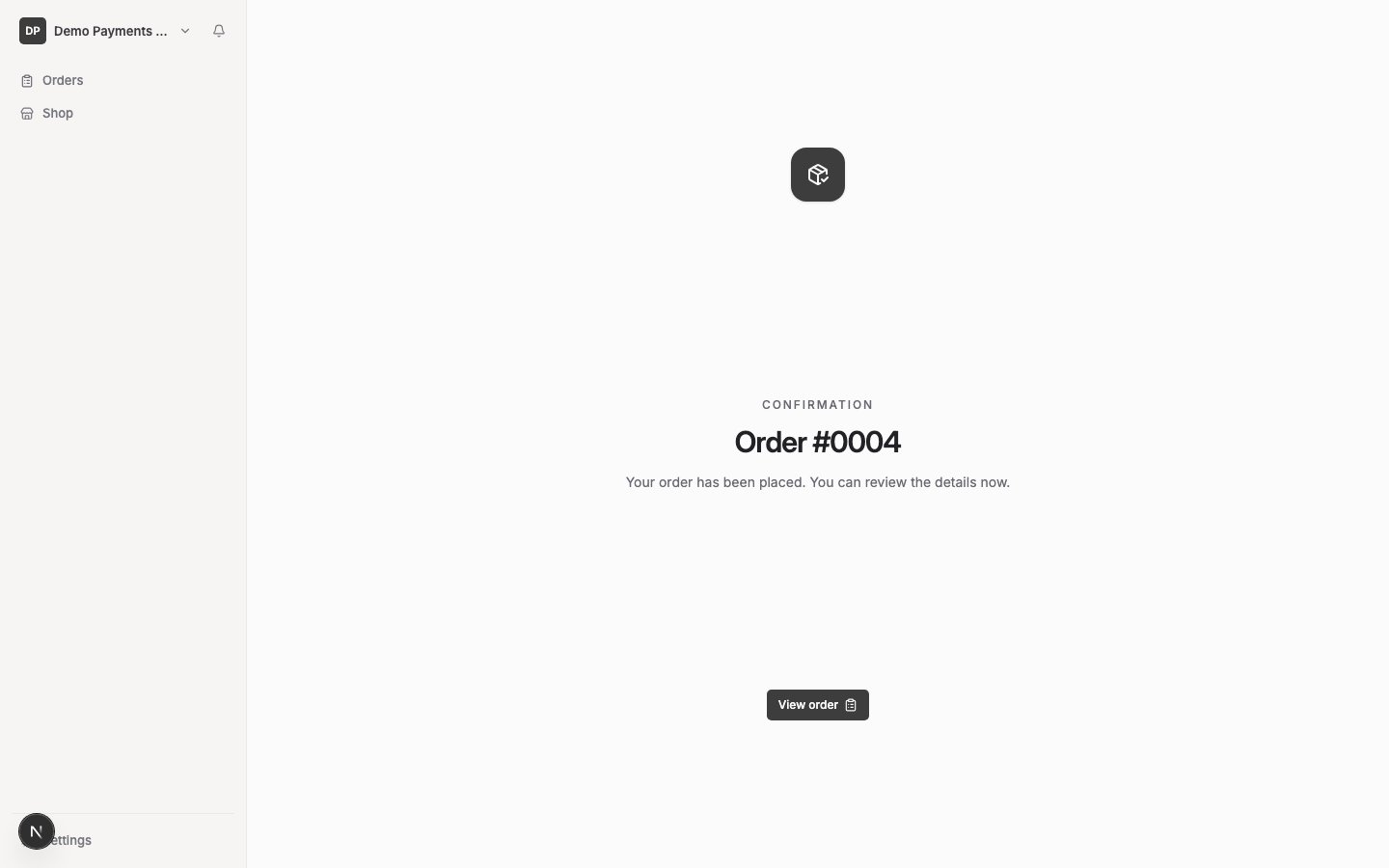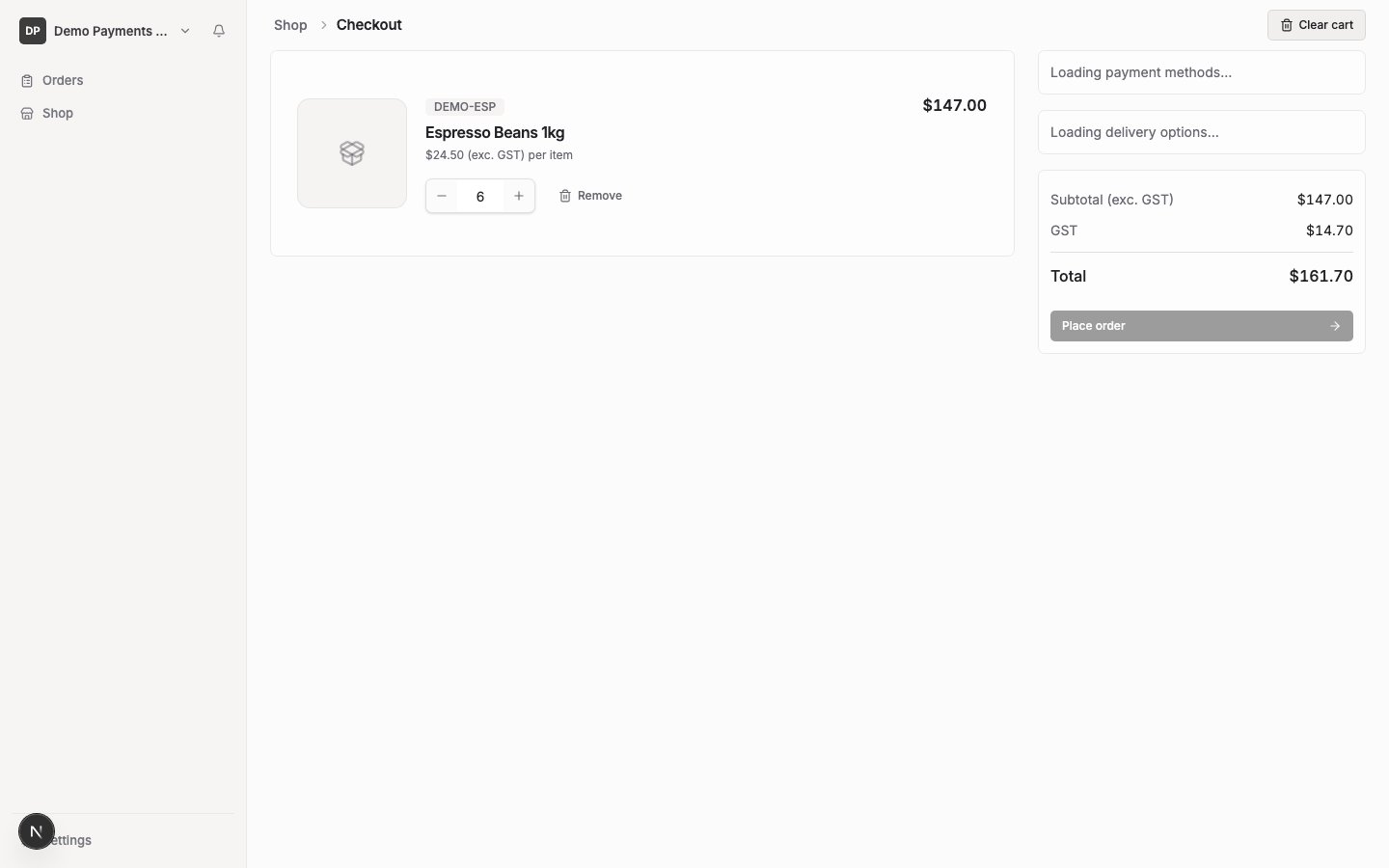
This screenshot’s demo customer has no delivery zone/fee or payment method configured, so it doesn’t show the pickup/delivery choice, delivery instructions or payment-method row described below — those are conditional on the customer’s own setup, not missing from the app.
What you’ll see
- Every product and quantity in your order
- Prices, excluding GST, plus GST and the order total
- Pickup or delivery, if your supplier offers both — otherwise this doesn’t appear
- Delivery instructions, if you’ve chosen delivery — pre-filled from your usual instructions, editable for this order
- Your payment method, if you have one set up — or a note that payment will be handled separately, if you don’t
Payment
You don’t choose a payment method at checkout — if one is already set up for your account, it’s used automatically; otherwise your order still goes through, and payment is handled separately. Setting up a payment method is covered in a separate guide.Submit your order
Select the submit action to place your order.What happens next
You’ll see an on-screen confirmation showing your order number, with a link to view the order. Your order starts in Placed status — see View orders and statuses for what happens from there.