

From the shop or a product’s detail page, set a quantity and select Add to cart. There’s no minimum order quantity or fixed order increment on individual products — enter any quantity you need.
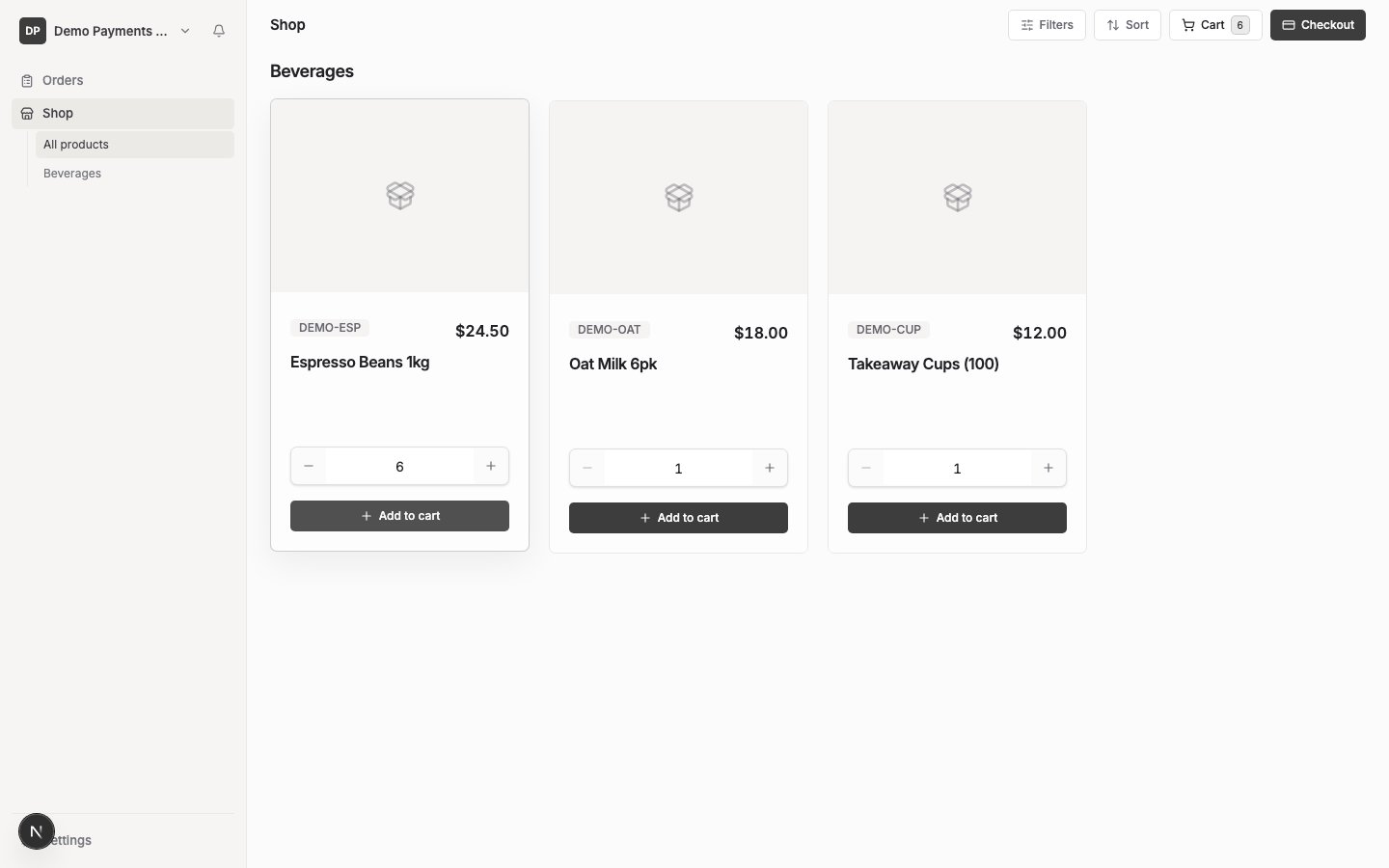
Your cart is specific to the supplier you’re ordering from — if you buy from more than one supplier, each has its own separate cart. Your cart is saved, so it’s still there if you come back later.
If a product in your cart becomes unavailable to your account before you check out, you’ll see a note on that line saying it’s no longer available. It stays in your cart, but you’ll need to remove it before you can complete your order — see Review and place an order.
Some suppliers set a minimum order value for your account. This isn’t shown while you’re browsing — if your order total is below the minimum, you’ll be told when you try to check out. See Review and place an order.